Has anyone improved these ASR 1992 track ai's?
Hungaroring 1992 is unbelievably slow.
It's too bad as most of these tracks are amazingly done and converted. AI is perfect on them, not much crashing at all. Just slow, with a few exceptions.

www.asrformula.com
Kyalami ai = ok, could be 2 second faster
Hermanos Rodriguez = 1-3 seconds too slow
Interlagos ai = superfast
Barcelona ai = superfast
Imola ai = 3-4 seconds too slow
Monaco ai = ok
Hungaroring = superslow
Magny Cours ai = ok, could be 1 sec. faster
Silverstone ai = ok, could be 1 sec. faster
Hockenheim = ok, could be 1 sec. faster
Spa ai = 3 seconds too slow
Monza ai = 2-3 seconds too slow
Estoril ai = Fast, very good
Suzuka ai = Fast, Very good
Adelaide ai = Very fast, Very good





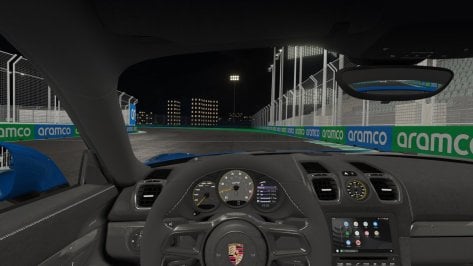
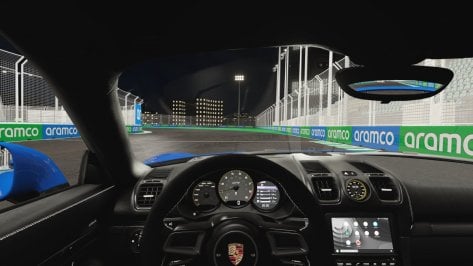


 . I waited 2 years for this. It is quite nice for start! I liked the video. But what I was expecting with great enthusiasm didn't come yet. Specifically, you never feel that you enter the fog. Your visibility never changes, you dont get inside that fog and looking around its not there, the car ahead remains visible in the same amount, like this effect always goes fixed in front of the car but you never really get in it/go through it. I expect when going in a fog patch to loose some visibility depending on the density/size of that fog patch. That doesn't happen yet with this implementation. I hope there is a way to implement this better. But its a nice start !!! Cant wait to try it.