for me it doesnt do that, hmmm


From experience, the only way to get the 3D driver correctly is to open the 3DS Max ragdoll project provided by kunos unfortunately... It is a pain in the ass, but the only option to properly edit a modelThere's the model inside the sdk folder, but is a 3DSMax model, which i don't think can be opened in blender. I did it in the past for a car, but i would love to avoid try it again since that time took me hours just to learn how to load it


Yep, but as i don't have 3DSMax anymore i can't open it. If i use a max addon, the 3D model is loaded vertically and not placed in the right way, so no way to use it for a noob user like meFrom experience, the only way to get the 3D driver correctly is to open the 3DS Max ragdoll project provided by kunos unfortunately... It is a pain in the ass, but the only option to properly edit a model


Making a posed animation for a driver in a car is no big deal, the static pose is not the problem (if you actually can open the file properly... hum.).It's a shame Kunos didn't predict how the popularity of modding would explode in AC and provide a poseable 'rag doll' driver whose hands, feet and body could be tethered to the seat, pedals, steering wheel and shifter using 'magnetic' nodes (easily, in the showroom, without needing to edit 3D files in an external graphics package).
I guess it wasn't a big deal at the time because VR was sci-fi that only existed in The Lawnmower Man.


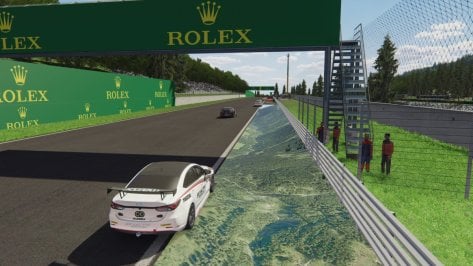
I'm getting transparent chunks of the map on Mountain Ring. I've looked up multiple things and I've checked and unchecked draw grooves, I've downloaded a fresh copy installed manually, I've ticked and unticked numerous things and can't figure it out. I dropped down to CSP 2.3p1 and it added the red where the missing chunks are by the yellow but it screwed up the coloring probably because of my ppfilter. Any suggestions on what Im missing here?Mountain Ring Circuit v1.11
The link is in the quote.
v1.11 changelog;
Fixed incorrect shader values in ext_config. (Thanks Mascot for the report.)
Set default to 2D trees. (3D trees are optional.)
Updated VAO-patch. (Thanks I.R.Brainiac for the report.)
Check the rF1 source.


Perhaps this settingI'm getting transparent chunks of the map on Mountain Ring. I've looked up multiple things and I've checked and unchecked draw grooves, I've downloaded a fresh copy installed manually, I've ticked and unticked numerous things and can't figure it out. I dropped down to CSP 2.3p1 and it added the red where the missing chunks are by the yellow but it screwed up the coloring probably because of my ppfilter. Any suggestions on what Im missing here?
Set CSP Settings→ General Patch Settings→ CPU optimizations→ Chunks optimizations to Basic (default).View attachment 1296996
That was it, thank you! That was driving me crazyPerhaps this setting


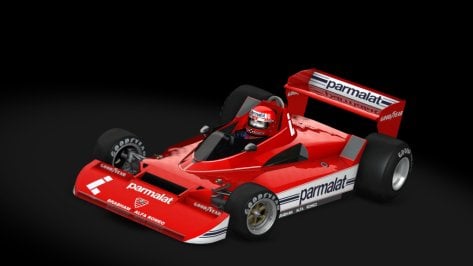

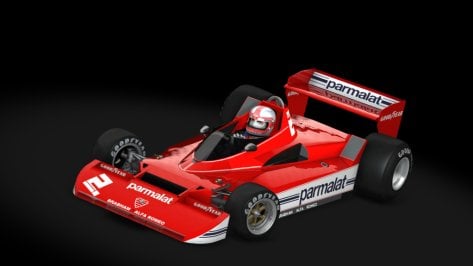

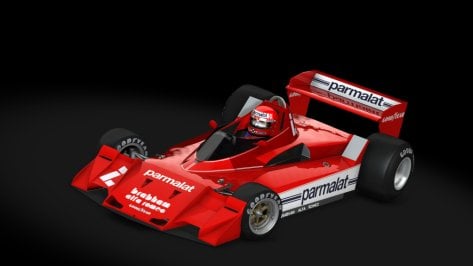
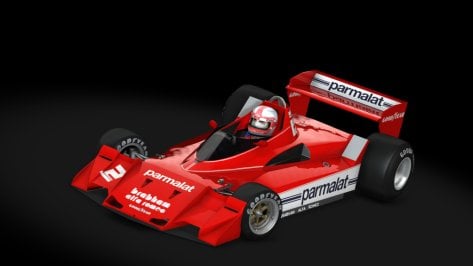
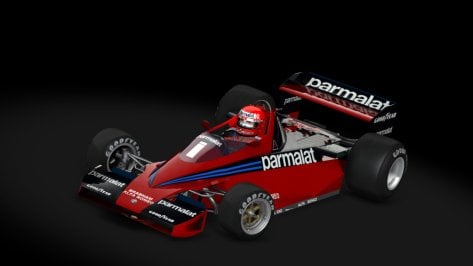
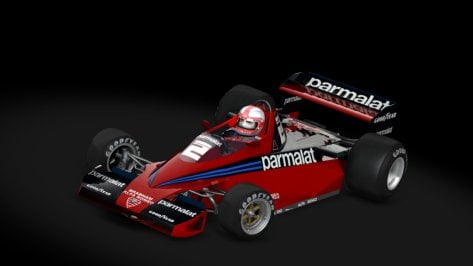
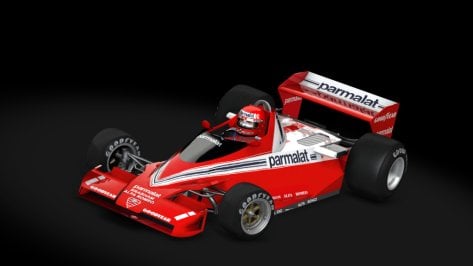
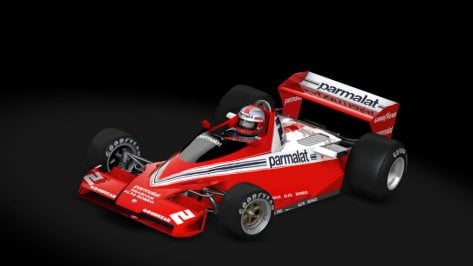
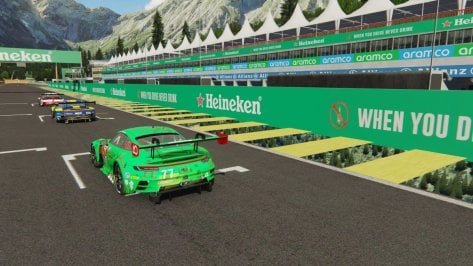
Has anyone encountered such behavior of the "sun"))))?
The mapping factor is has a different usage in the different tonemapping methods. Like in sensitometric tonemapping or in the newer CSP tonemappings it is not used at allStupid question about ppfilters. Is the exposure mapping factor basically the same thing as an exposure multiplier, or do they impact overall exposure differently?
Nope, that explains it well enough. I thought maybe they were the same thing but just used different names in a filter vs a script. Sounds like they do different things in certain situations. Thanks for the info.The mapping factor is has a different usage in the different tonemapping methods. Like in sensitometric tonemapping or in the newer CSP tonemappings it is not used at all
Or do you mean a different thing?


jumbotrons black?@Peter Boese is it the Pure update that's turned the jumbotrons black? If so, how do we fix it? Ta.

Update to version 1.01:There is an updated version of the PM3DM car with better interior, you should use. I think it was made by FSR. The skins for the old car all work on the new version after some resizing and renaming.
Some time ago I've updated this version for me. I added all skins (40!) I could find for the car, made LODs, added a shift, brake and gas animation and added some stuff to the ext_config.ini and ui_car.json.
Update to version 1.01:
Just a little update to the lights. The lowbeam and highbeam lights are now working correctly. I also adjusted the brightness of the LED panel in the cockpit. It's now brighter in daytime and darker at night. The RPM leds now work from 5800 to 7800 and blink at 8000.
The preset static tire pressure is now 25 PSI for all tires, so only small adjustments are needed for an ideal tire pressure.
BMW 320i STW BTCC
The car and skins aren't made by me. All credits to the original creators of the car and skins. This is an updated version of the PM3DM car with a new interior (made by FSR?). Some time ago I've updated this version for me. I added all skins...www.gtplanet.net
I also tried to make a BOP for the VRC Super Tourers I use. The Nissan, Volvo and BMW (updated version) are by PM3DM, the Audi A4 Quattro is the car made by Cyril Cherry (v1.3) and the Alfa Romeo 156 STW is the version made by "Modders Squadra Corse/Davin".
View attachment 1419818
www.gtplanet.net
The extremely dark big animated TV screens trackside.jumbotrons black?
I don't believe it is a Pure issue because it happened to me when I temporarily tried the latest CSP version and was still using Pure 0.193. Seems to be a CSP issue. Some of the jumbotrons didn't work at all for me. The Pyyer ones he put into his extensions just flat out don't display a video for me anymore. Just the F1 Texture. Others, like on the original Spa are just too dark. If you zoom in real close, you can still see what's supposed to be on the screens. The dark ones can be fixed by editing the config file for any track that has a jumbotron and raising the brightness. The Pyyer ones I never took the time to try and figure out since in the end I rolled back to an older CSP version where everything worked.@Peter Boese is it the Pure update that's turned the jumbotrons black? If so, how do we fix it? Ta.
Ah, thanks - good to know. Cheers.I don't believe it is a Pure issue because it happened to me when I temporarily tried the latest CSP version and was still using Pure 0.193. Seems to be a CSP issue. Some of the jumbotrons didn't work at all for me. The Pyyer ones he put into his extensions just flat out don't display a video for me anymore. Just the F1 Texture. Others, like on the original Spa are just too dark. If you zoom in real close, you can still see what's supposed to be on the screens. The dark ones can be fixed by editing the config file for any track that has a jumbotron and raising the brightness. The Pyyer ones I never took the time to try and figure out since in the end I rolled back to an older CSP version where everything worked.

Mine was on already, I tried turning on and off but no luck. I think it might be something missing in the ext_config or lights.ini file since its the only car from the WSC pack where I got this issue.when that happened to me it was because I did not have Lighting FX enabled in CSP.


You should include the version in the UI 🤔Update to version 1.01:
Just a little update to the lights. The lowbeam and highbeam lights are now working correctly. I also adjusted the brightness of the LED panel in the cockpit. It's now brighter in daytime and darker at night. The RPM leds now work from 5800 to 7800 and blink at 8000.
The preset static tire pressure is now 25 PSI for all tires, so only small adjustments are needed for an ideal tire pressure.
BMW 320i STW BTCC
The car and skins aren't made by me. All credits to the original creators of the car and skins. This is an updated version of the PM3DM car with a new interior (made by FSR?). Some time ago I've updated this version for me. I added all skins...
I think it is to do with Pure as if you use LCS the screens are fine. When you use Gamma they are very dark or black. The funny thing is as you go into the night at Le Mans they show up as they should. I did mention that to Peter.Ah, thanks - good to know. Cheers.
I think I'll wait for a CSP fix rather than adjust them all then have to do it all over again when the fix materialises.
It isn't my car and the original car has no version number.You should include the version in the UI 🤔
Somebody's going to have to remind me how to swap between Gamma and LCS...I think it is to do with Pure as if you use LCS the screens are fine. When you use Gamma they are very dark or black. The funny thing is as you go into the night at Le Mans they show up as they should. I did mention that to Peter.